
![]()
![]()
![]()
![]()
![]()
![]()
Price: 31.89
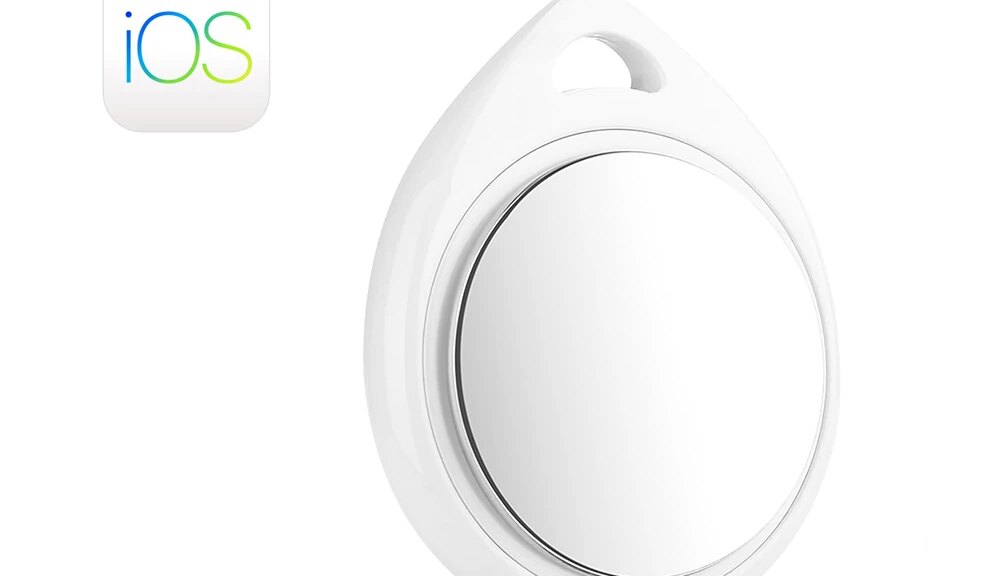
ATUVOS Bluetooth Tracker for important things


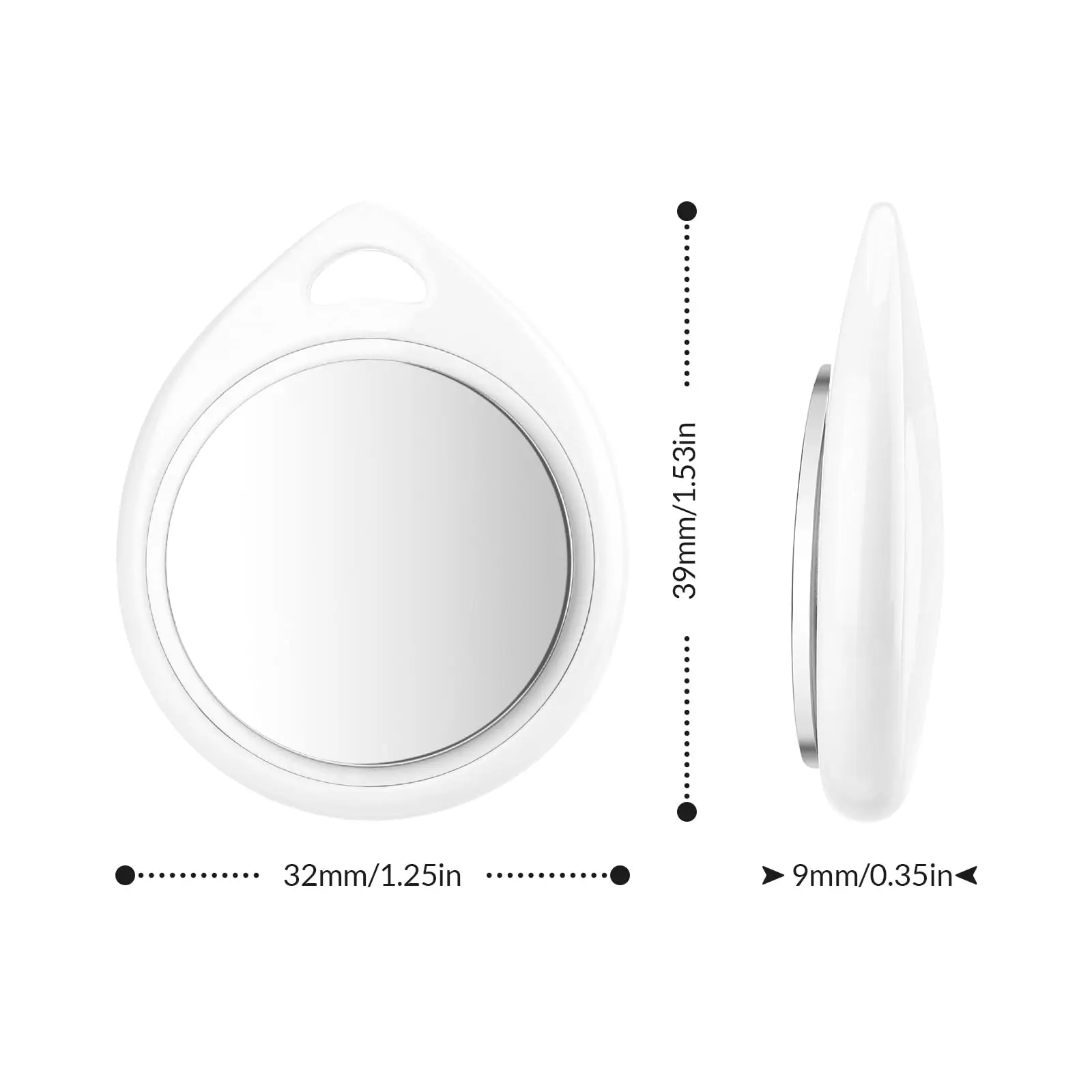
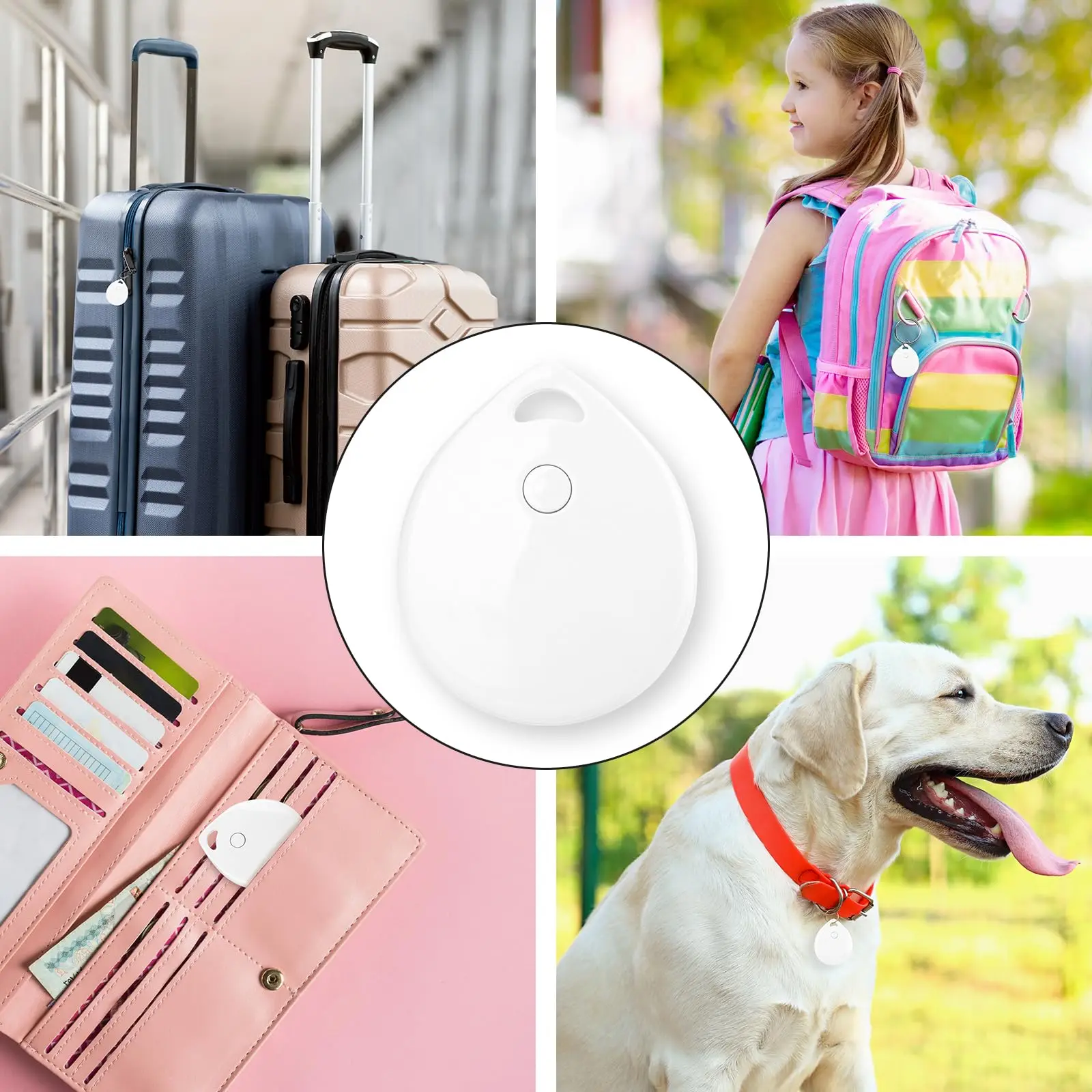
*Ultra-thin Smart finder tag is suitable for wallet, backpack, suitcase, elderly, children, pets, cars and any other you want to know the location.
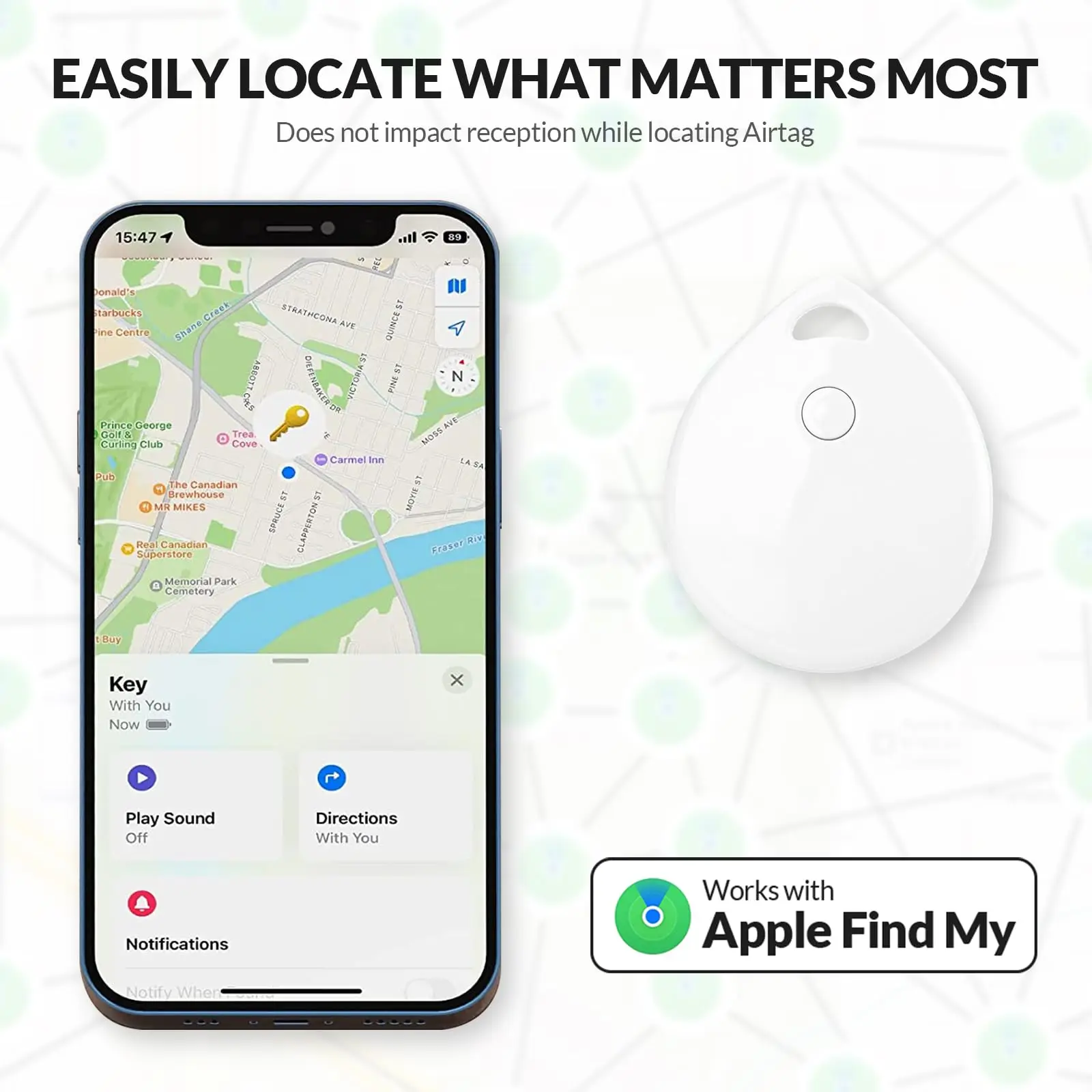
*Global PositioningAnti-lost Device:There is no distance limit. When you set lost mode,as long as there is an IOS device nearby, tag will automatically send a signal to your mobile phone to tell you the specific location.

You can use ATUVOS Tracker Device on

Best gift for elderly and forgetful people
This handy key locator is a great and unique item that can help you avoid the hassle of searching for lost items. It makes a perfect present for your loved ones on Father's Day, Mother's Day, Thanksgiving, Christmas, Easter, Halloween, and Birthdays.

Product manual (operation step)
|
|
|
|
Step 11)Turn on the Bltooth of your Apple device | Step 22)Turn on FIND MY app on your Apple device | Step 33)GO to the mainpage-"item"-"Add item"-"other Support item" | Step 44)Tap "Connect "when Itag appears on your Apple device. Read and agree to the positioning protocol to complete the pairing. |
Product function
1. Anti -loss function
When the product leaves the connection device for a distance, the equipment system will automatically pop up the reminder
2. Positioning function
You can view the location of the product on the connection device (iPhone, iPad, Mac)
Note: The positioning function is achieved through the official FindMY network. As long as there are apple devices around the product
(This process does not leak people's information)
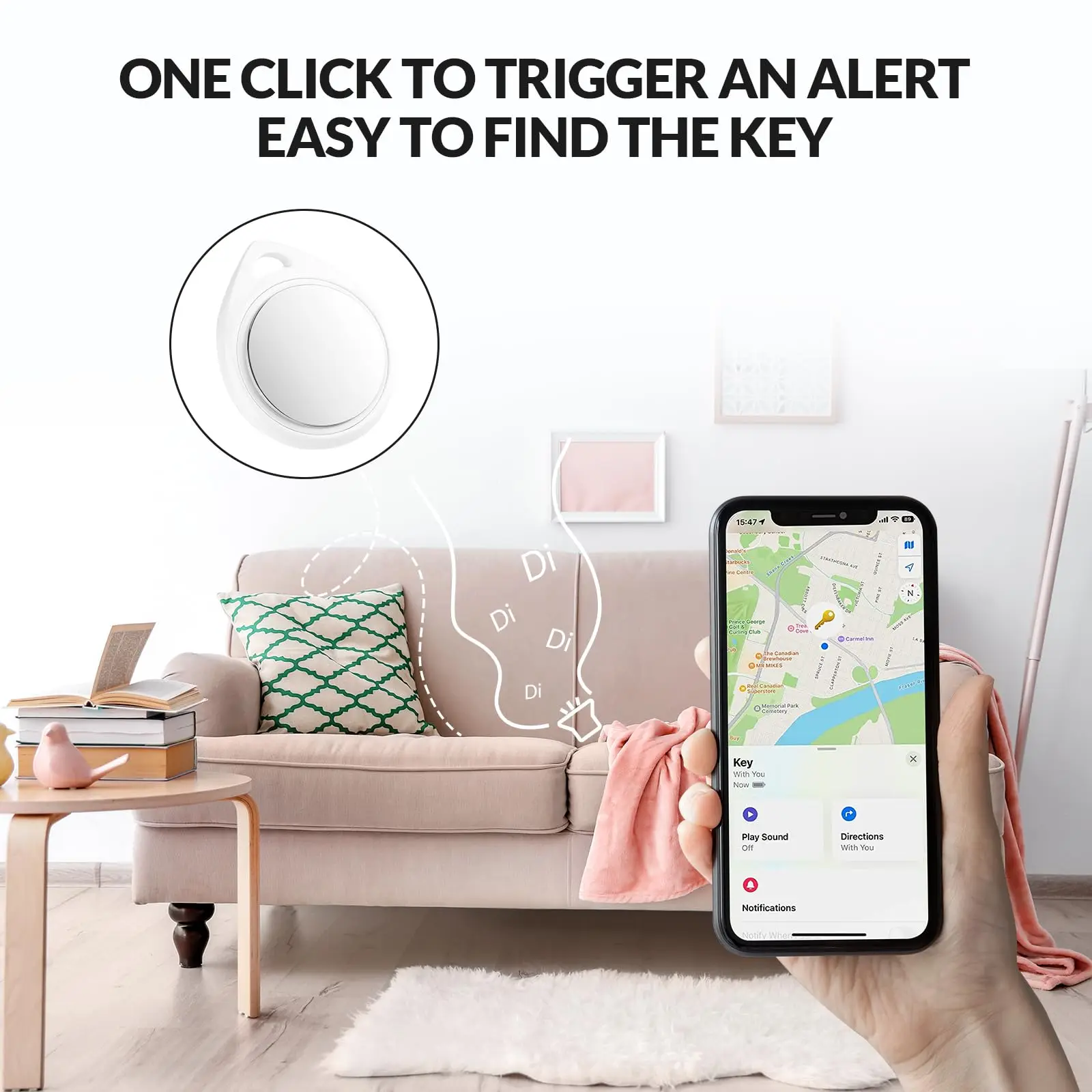
3. Reminder function
Click "Playing Sound" in the "Find" app, and the anti -lost device can emit "Didi, Didi …
The sound (this function must ensure that the anti -loss device and the mobile phone are within 3 meters of barrier -free)
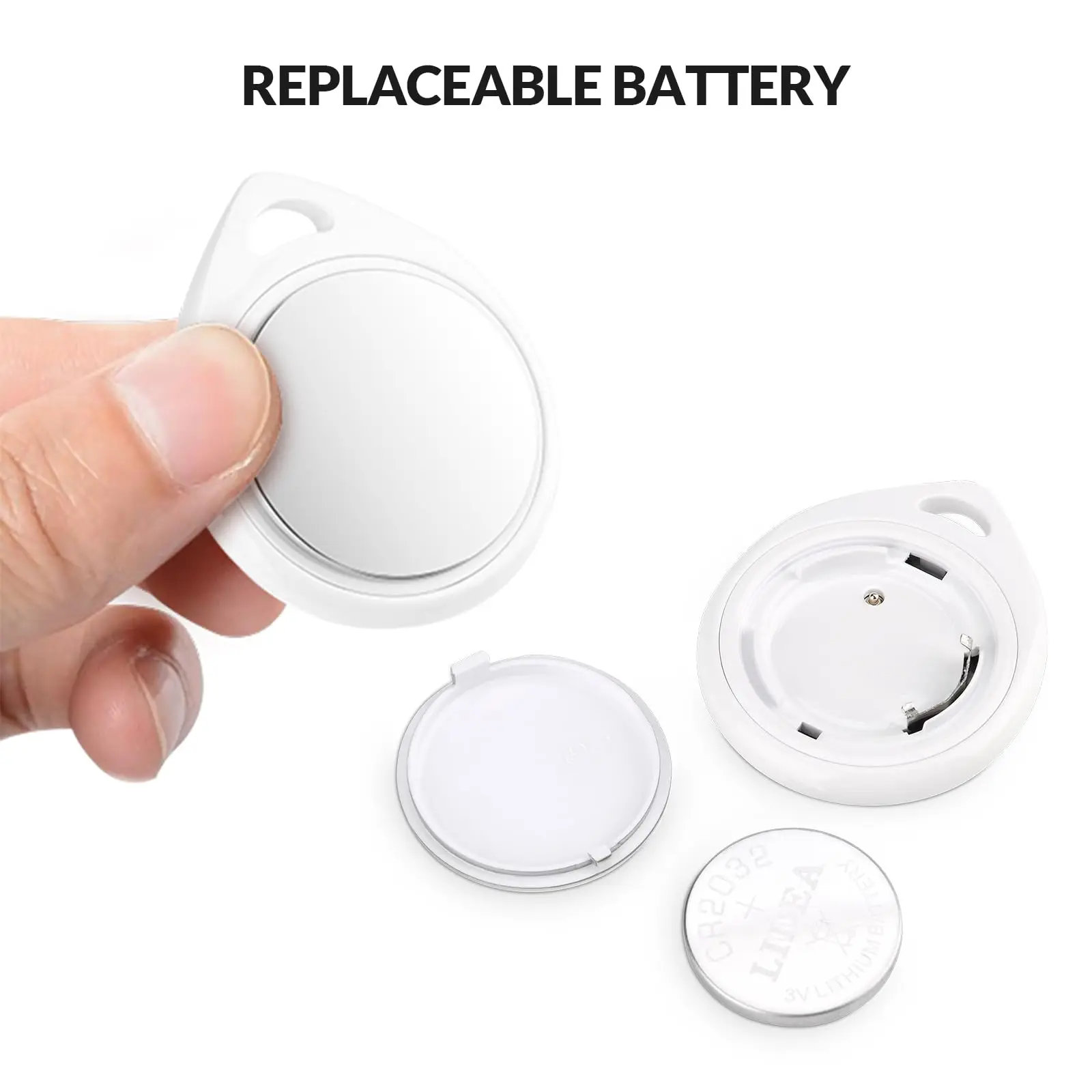
4. Replace the battery
Product built -in (R2032 button battery, buckle the battery cover, the battery can be replaced, pay attention to the positive and negative pole
(Normal battery can be used for about 10-12 months)
5,Resume factory settings
"4 times+long press for 5 seconds" will make a "Didi Didi" sound, indicating that the restoration of the factory setting is successful
6, shut down
"Long press for 5 seconds" will make a "drop. Drop" twice, indicating that the product shuts down
7. Lift the binding
Find items in the app and click "Remove item". The device will make a sound of "Didi".
It means successful unbundling (this operation must ensure that the production crystal and the connection device are within 1 meter)
Unusual lifting
1. Search for product name
When the mobile phone is not searching for the product name, the operation of the anti -loss device can be restored to the factory